List Your Services on FreelancerBooking.com | Connect with Clients & Grow Your Freelance Career

e90710ef-5aad-4290-aaeb-1dcc565fa851.webp
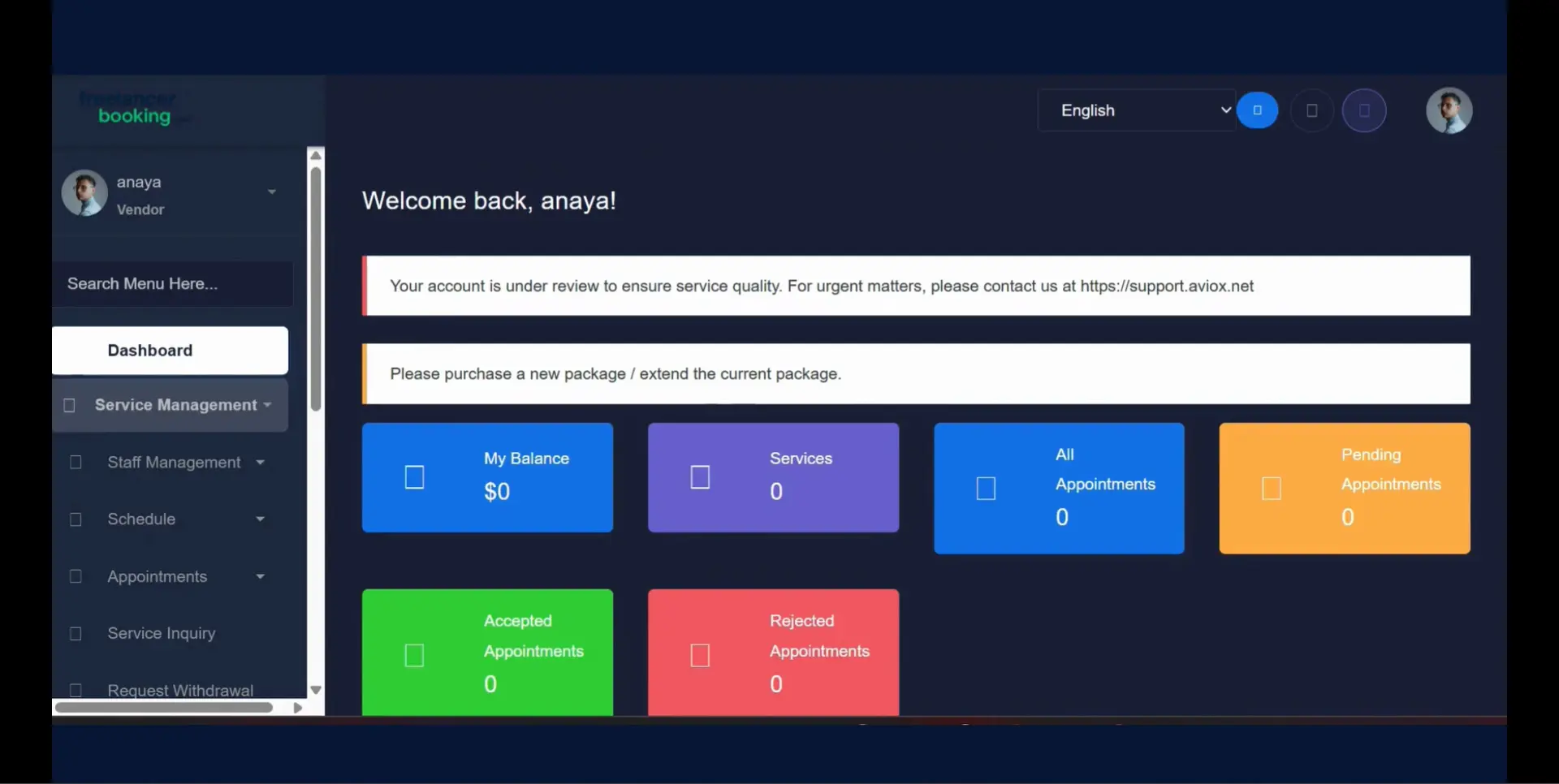
  1. Go to your Service provider dashboard.
    fd677fbb-f4f6-4ee8-862c-7c7b3b54cc8c.webp
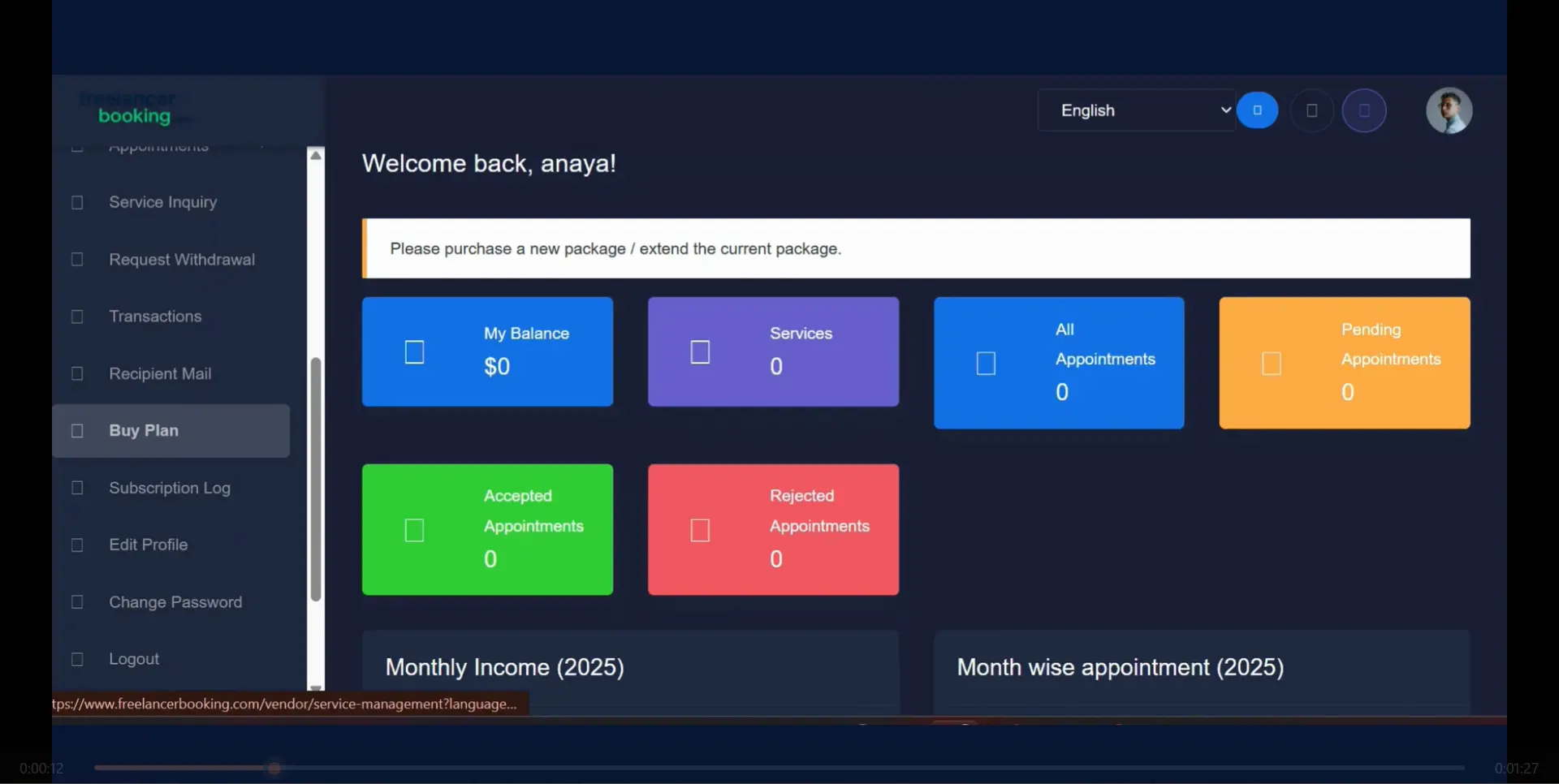
  2.  To add Service firs buy a plan.
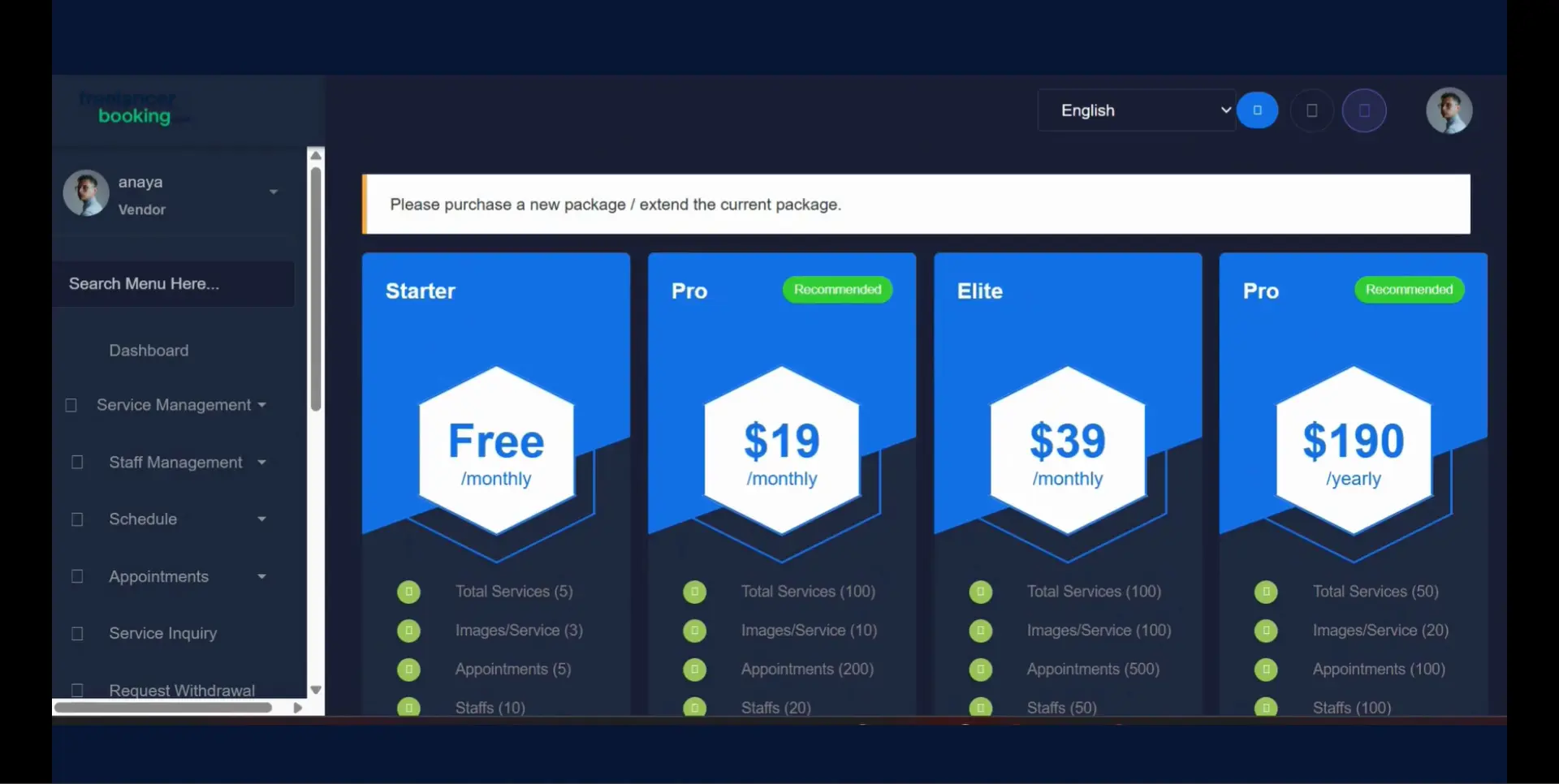
  3. Scroll down and click on Buy plan.

    9712818c-00ae-4010-8be0-aa72f07636b5.webp
  4. Choose the plan of your choice.

    35fcee94-0d5b-4d8a-8120-71aa33f86ebf.webp
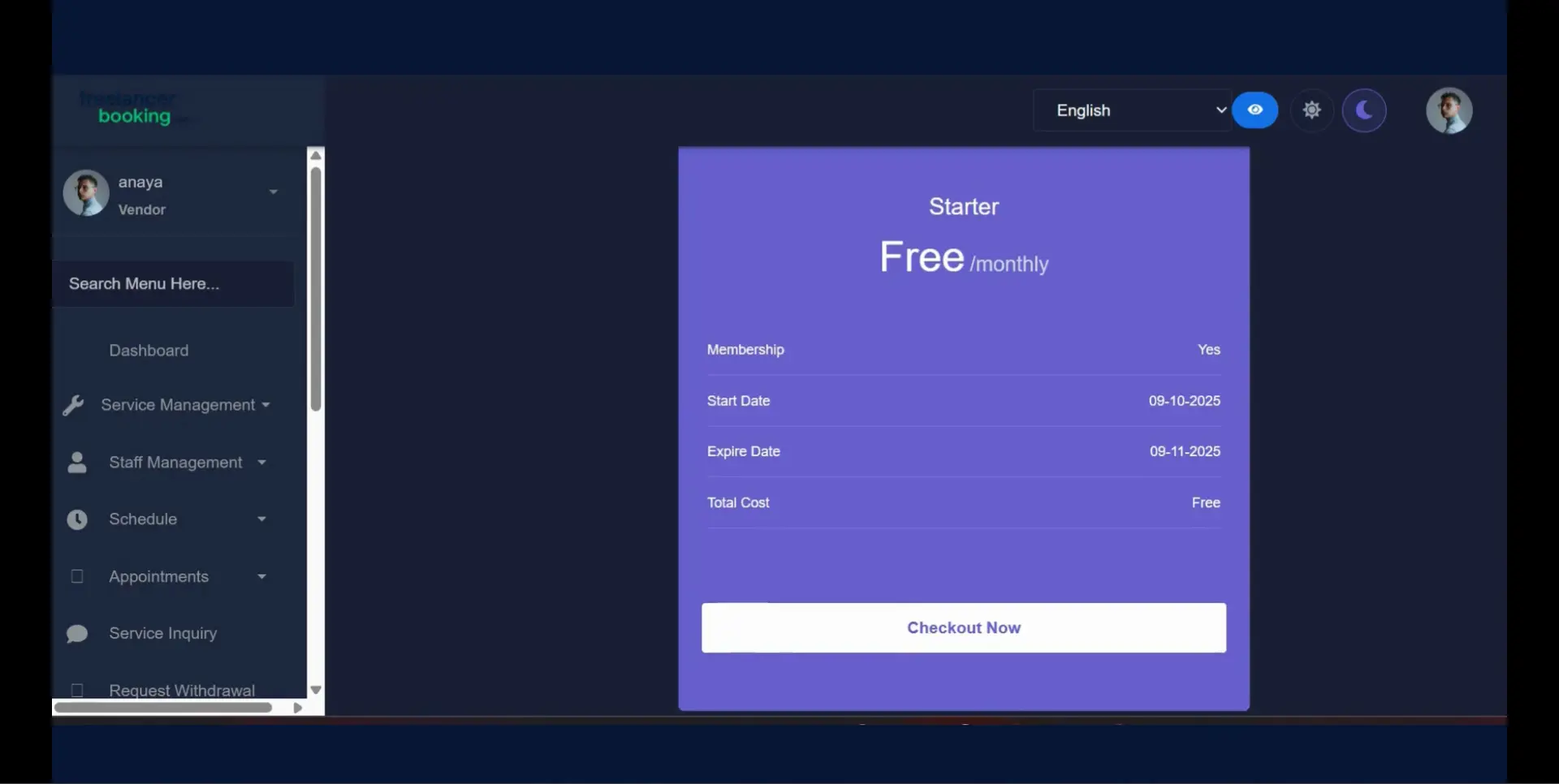
  5. Checkout with your plan.

    ffd98340-5e57-408a-ad48-bd67c7c0a625.webp
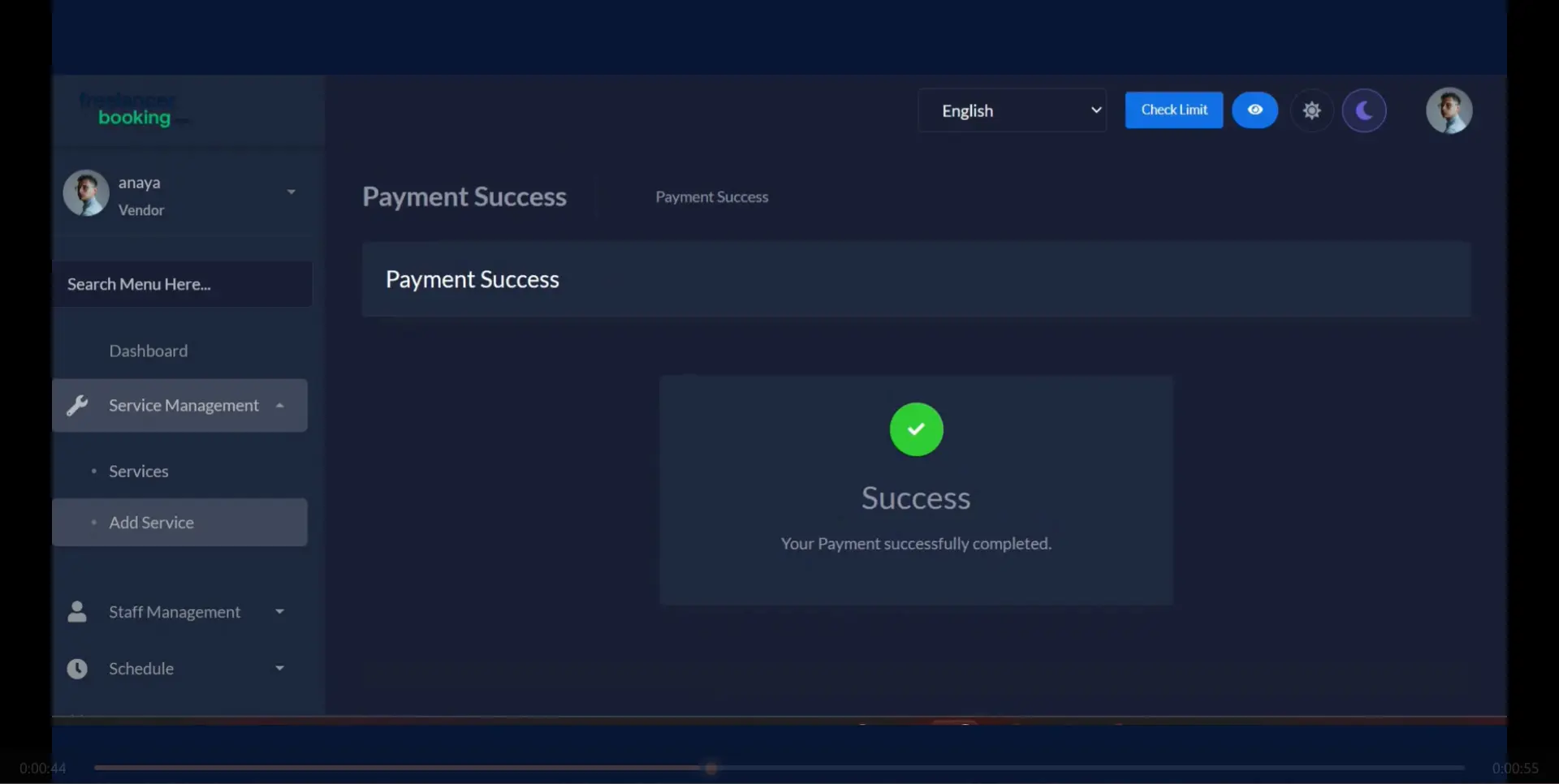
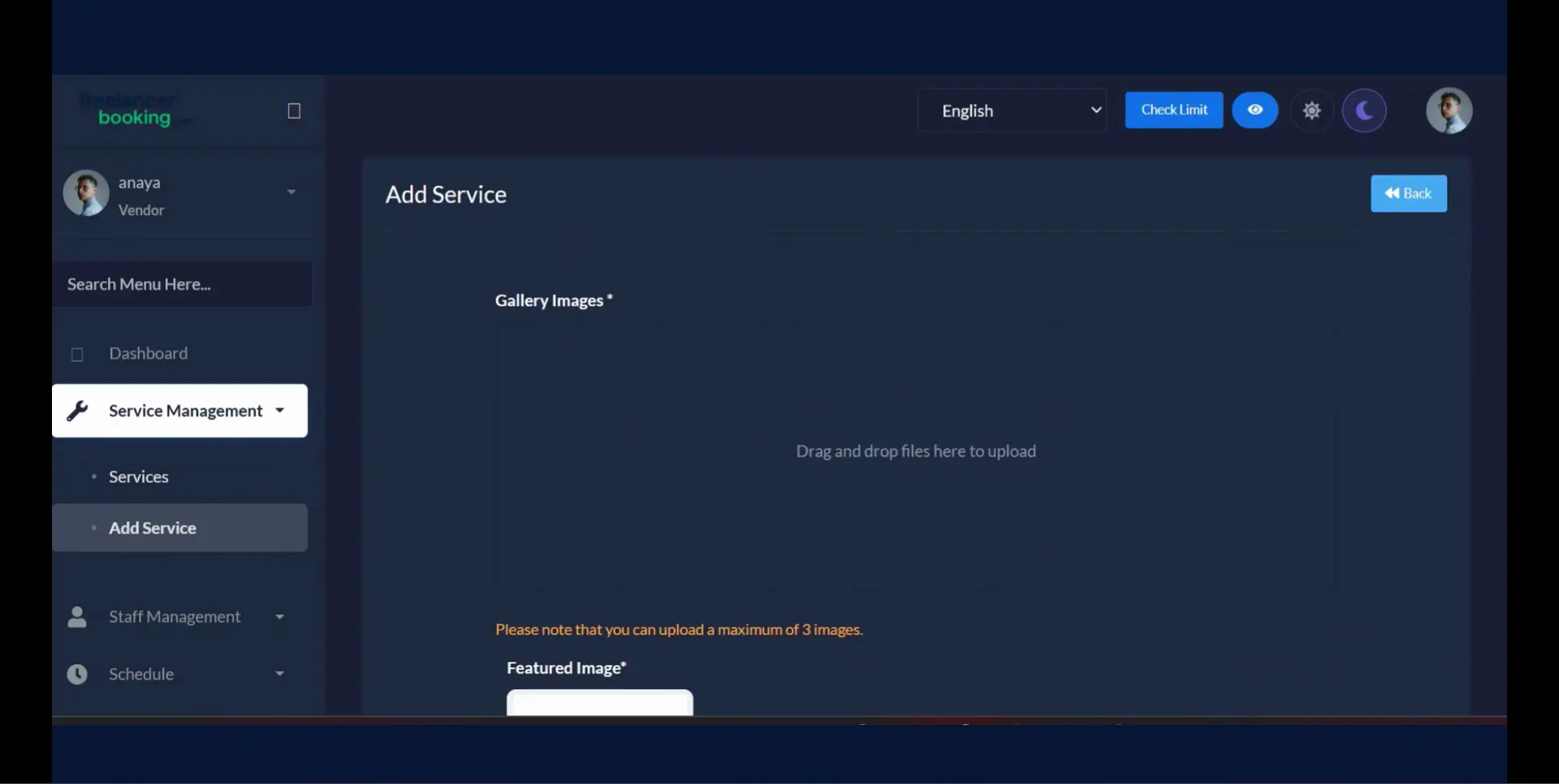
  6. Go to “Service Management”  → choose “Add Service.”
    0c7bfa2b-68f3-425c-a119-7650dff80931.webp
  7. Upload Images — Add 1–3 gallery images and 1 featured image.
    c1872653-17bf-42a2-89c5-c151aaa6bd0f.webp
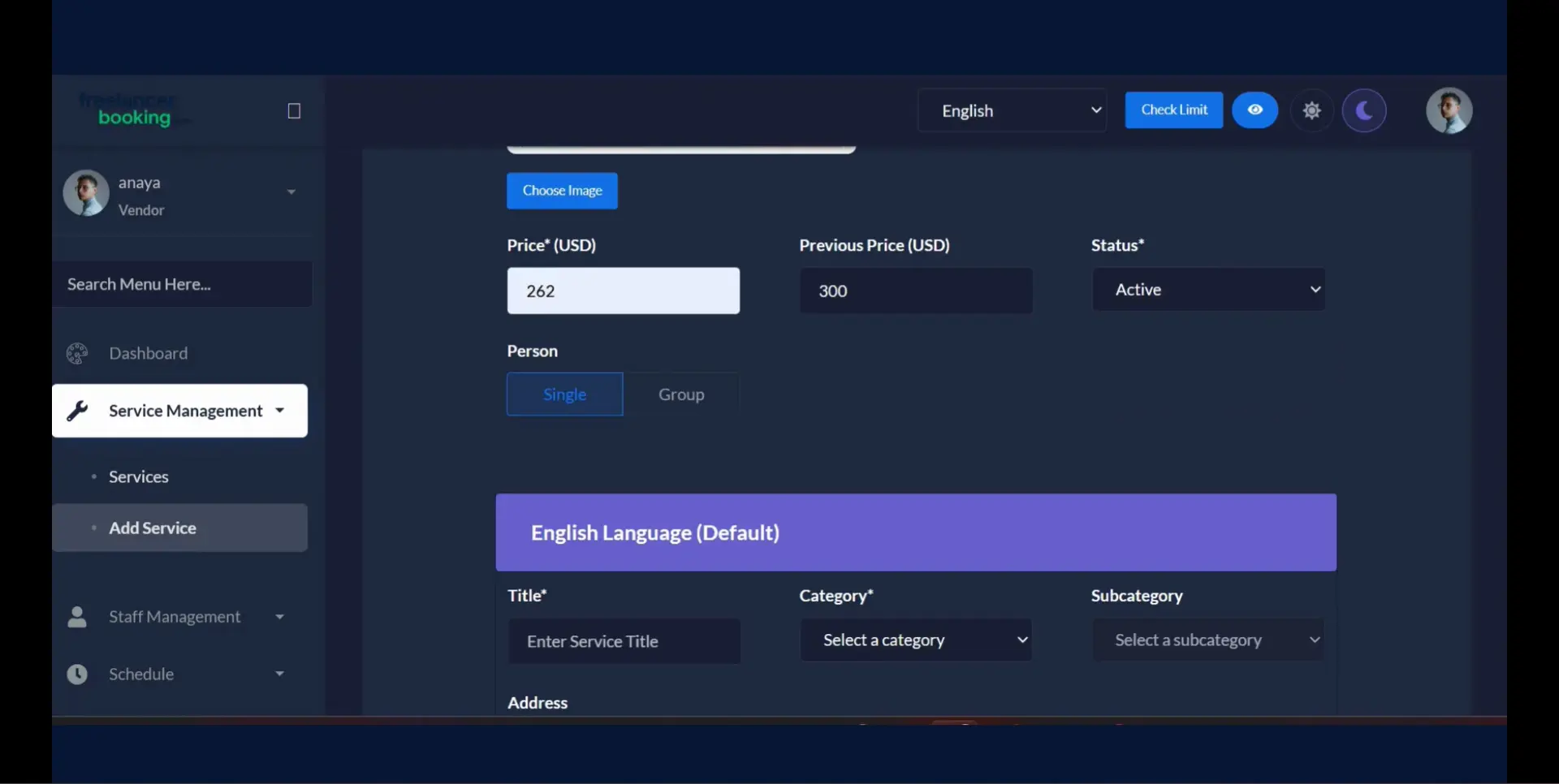
  8. Add Details — Enter a Price, title, category, sub category, address, description and turn the status active.
    783a6192-e14f-4869-8a5f-ab7cce1aaff0.webp
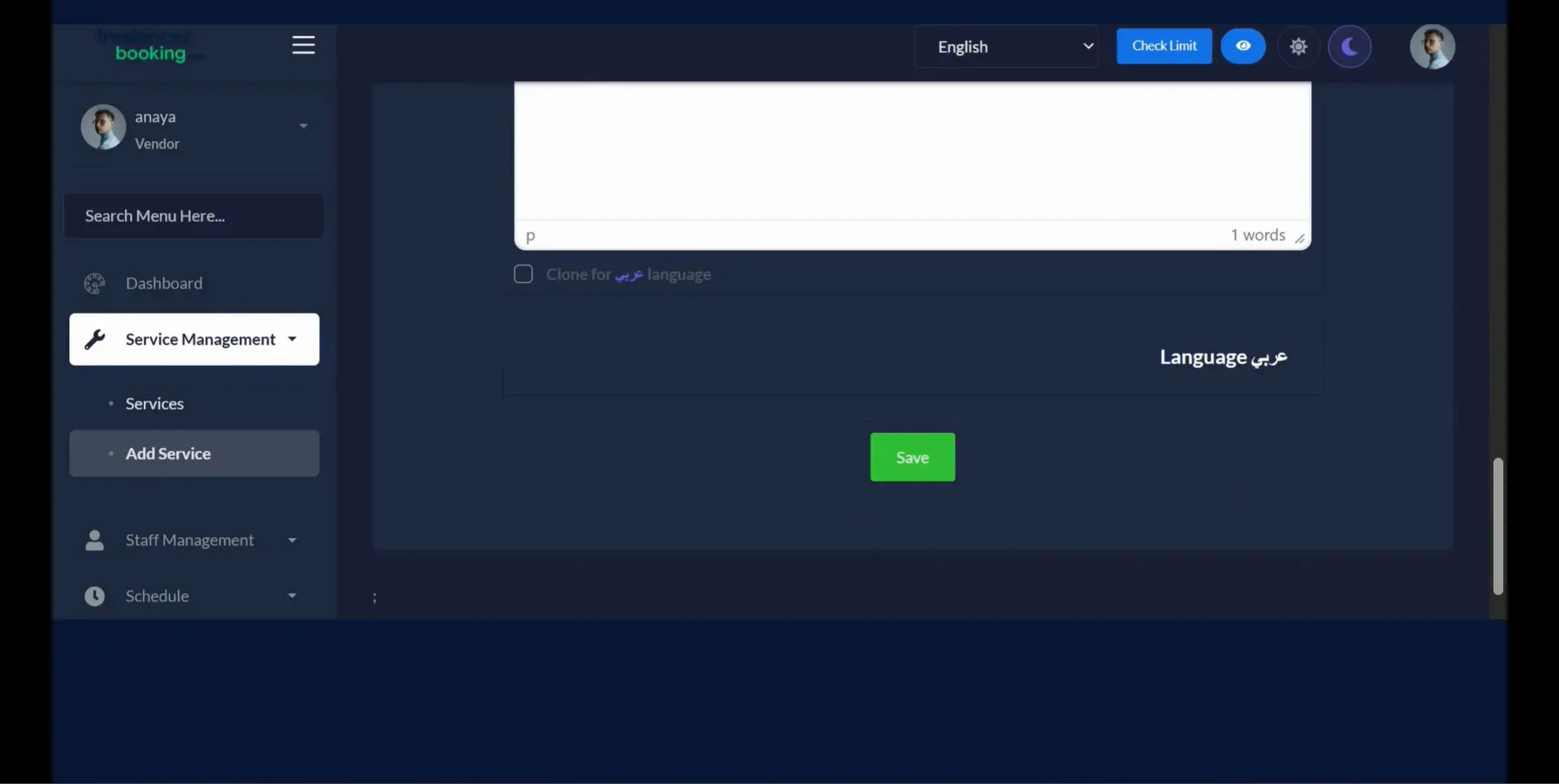
  9. Publish — Review and click “Save.”

    847bfa14-d8a7-4b7b-837d-d79abb1fd502.webp
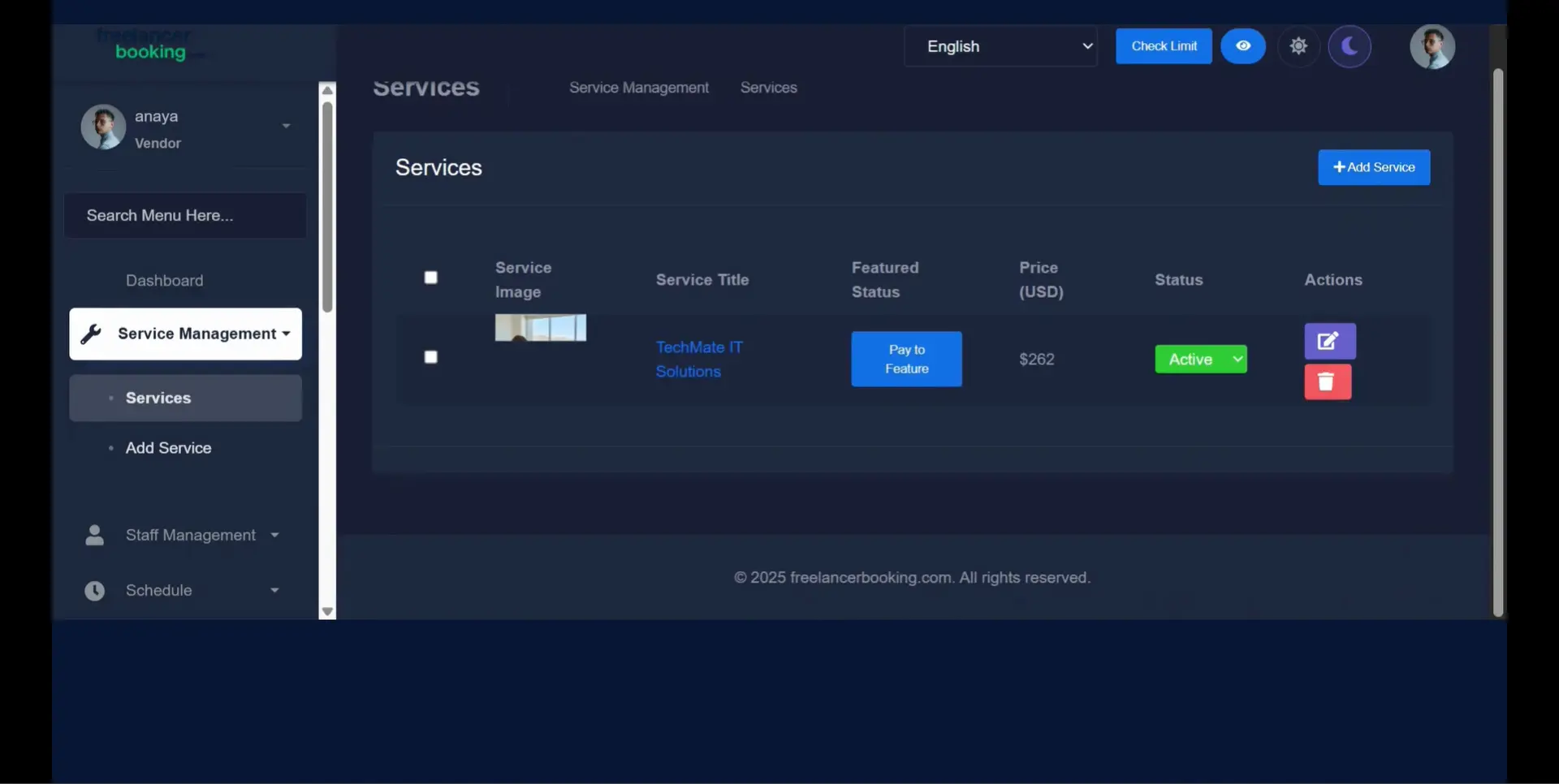
  10.  Your service is now live and visible to clients!
Your experience on this site will be improved by allowing cookies Cookie Policy